Payments & Cash Flow
Stripe Payment Processing: Accept Cards, Get Paid Instantly
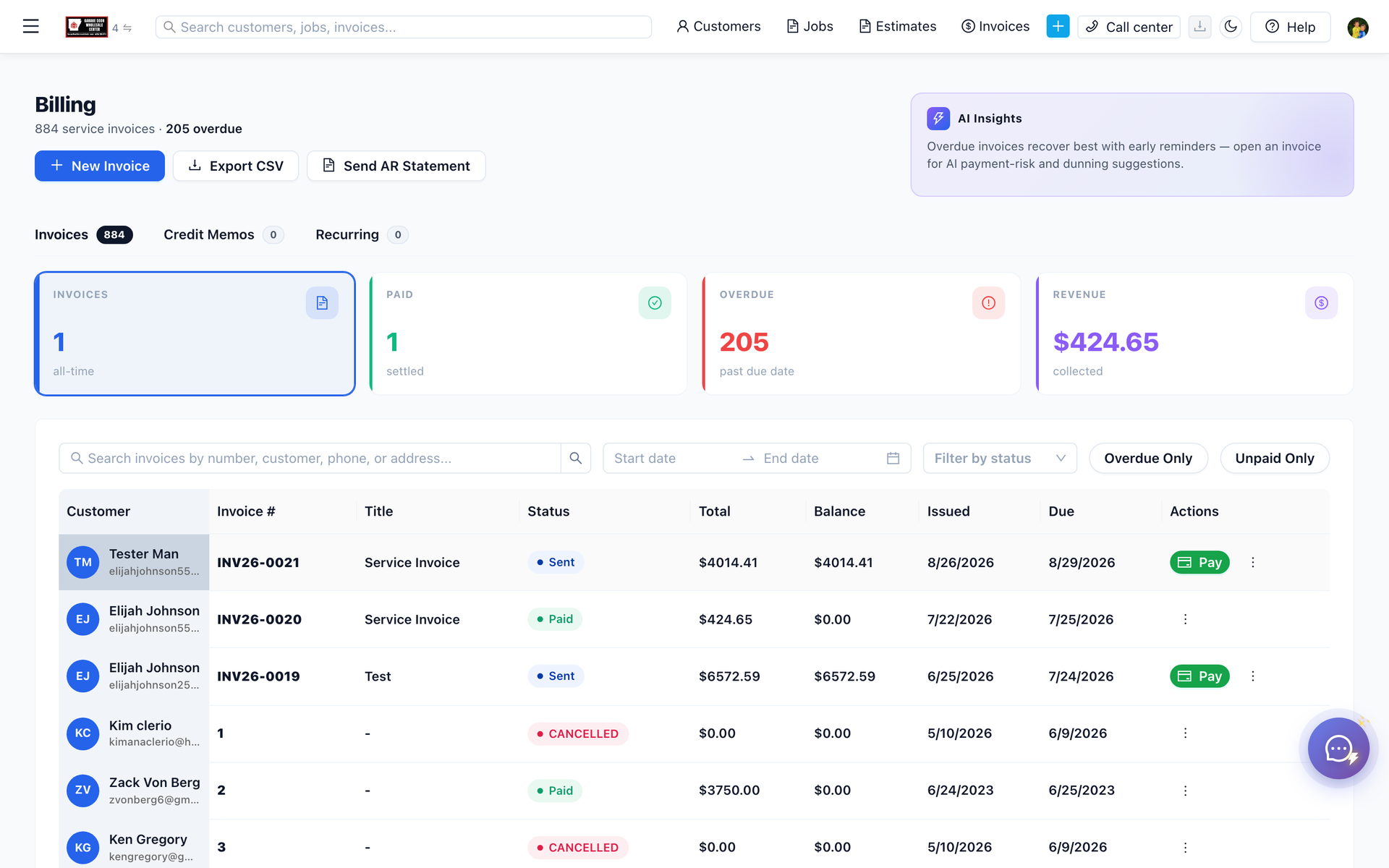
Stripe on ServiceFlow is the card and bank charge on an invoice pay link. Funds settle to your Stripe account instead of waiting on a check in the mail. Staff send the link from the invoice. The customer pays in the portal without reading a card number over the phone.
Stripe on ServiceFlow applies to a service business that is still waiting on a mailed check. This article times that wait at 18 to 32 days. Paper checks take 2 to 4 weeks to clear. The claim is that a pay link on the invoice lets the customer pay by card in the portal instead. The article says 72% of customers prefer cards and 45% do not carry a checkbook. The condition is a connected Stripe account and a link the office actually sends; a processor that is not saved cannot charge the card. It applies to the office sending the invoice and to the customer who would rather pay by card than mail paper. The 18-to-32-day wait is the collection delay this article uses for the check, set against payment in the same portal visit.
"I'll mail you a check" = 18-32 days to get paid
"Tap to pay with card" = Money in your account tomorrow
Which would you prefer?
The Payment Problem
Cash and checks are dying:
- 72% of customers prefer paying with cards
- 45% don't even carry checkbooks anymore
- Paper checks take 2-4 weeks to clear
- 8-12% of checks bounce
If you only accept cash/checks, you're losing customers AND waiting forever to get paid.
Stripe Integration Benefits
Multiple Payment Methods
- Credit/debit cards
- Apple Pay / Google Pay
- ACH bank transfers
- Buy now, pay later (Affirm)
Accept Payments Anywhere
- In-person (card reader)
- Mobile app (customer portal)
- Email invoice links
- Text message payments
Lower Fees Than Traditional
- Stripe: 2.9% + $0.30
- Traditional merchant: 3.5% + monthly fees
- Square: 2.6% + $0.10 (but limited features)
Instant Confirmation
- Payment goes through immediately
- Auto-receipt emailed to customer
- Job marked as paid in system
- Funds in account next day
Related: Estimates & Invoicing · Customer Portals
How Stripe works inside ServiceFlow Pro
Stripe is the primary processor for customer-facing card payments, ACH, payment links, and (when you enable it) Stripe Connect employee payouts. You connect it once under Settings → Payments → Stripe Configuration. After that, invoices, deposits, and the customer portal can collect money without a separate “merchant portal” login for every charge.
What you can turn on:
- Cards on payment links and the customer portal
- ACH Direct Debit for larger invoices (lower fees than cards)
- Apple Pay / Google Pay through Stripe Checkout wallets
- Affirm buy-now-pay-later on bigger tickets (see Affirm financing)
- Stripe Terminal readers for in-person, card-present jobs
- Webhooks so a successful charge marks the invoice paid automatically
Helcim is available as an alternative card processor. New checkouts use one processor at a time; Stripe Connect payouts can still use Stripe if you already enabled them.
Implementation (under 15 minutes)
Setup path: Settings → Payments → Stripe Configuration (
/settings/payments?tab=configuration)- Create or log into a Stripe account (test keys first, live keys when you are ready). Card charges follow Stripe payments and paid-invoice updates follow Stripe webhooks.
- Paste publishable and secret keys into ServiceFlow and save
- Add the webhook secret and point Stripe at your ServiceFlow webhook URL so paid invoices update without a refresh
- Set currency, the name customers see on their card statement, and which methods you support
- Generate a payment link from a test invoice and pay it with a Stripe test card
- Switch to live keys, then send a real invoice with “pay now”
From an invoice: open
/invoices/:id → collect / payment actions → Generate Payment Link, or use Payments → Payment Links (/payments/links) for the full list (copy, expire, delete).From the field: send the invoice or magic-link portal. The customer does not create a Stripe account. They tap, pay, done.
Full checklist: Stripe Payments
Security (this is why you should not “just take a card number over the phone”)
You should never type full card numbers into a notes field or a spreadsheet.
Stripe + ServiceFlow keeps you out of that mess:
- Card data is entered on Stripe-hosted checkout or a Terminal reader — not stored in your job notes
- PCI scope stays on Stripe; you are not running your own card vault
- HTTPS and webhook signatures confirm the payment event is really from Stripe
- Refunds and disputes are handled in Stripe; the invoice balance in ServiceFlow follows the payment record
- Staff see paid / failed / pending, not the PAN
Phone-order “read me the number” is how shops get chargebacks and PCI headaches. A link or a reader is the professional version of the same conversation.
Practical rules for your team:
- Send a payment link or tap the reader
- If the customer is nervous, they can pay ACH instead of a card
- Do not screenshot card details from a text message
- Use Stripe Dashboard + ServiceFlow invoice history when a customer says “I already paid”
Fees vs. waiting for a check
Card fee example: $1,000 invoice × 2.9% + $0.30 ≈ $29.30
Check cost example (the one people ignore):
- 18–32 days of cash sitting in someone else’s account
- Office time chasing “did you get my check?”
- 8–12% bounce rate on the ones that never clear
- Jobs you cannot schedule because you are waiting on deposits
If your average job is $800 and you collect 20 extra days faster on 30 jobs a month, the working-capital benefit dwarfs the processing fee. That is the ROI: fee vs. float, not fee vs. zero.
ACH is the lever for big invoices (equipment, commercial). Use cards for residential convenience; use ACH when the customer would otherwise mail a large check.
Affirm is the lever when the work is right but the customer cannot put $4,000 on a card today. You still get paid; they finance through Affirm.
ROI in the office, not in a slide deck
What changes in week one:
- Invoices go out with a pay button instead of a PDF-only attachment
- Deposit on approved estimates can be collected before you order parts
- Front desk stops taking card numbers over the phone
- “I’ll mail a check” still happens — it just stops being the majority
What you should measure after 30 days:
- Average days to pay (invoice sent → paid)
- % of invoices paid by card / ACH / check
- Deposit collected before job start on sold estimates
- Time spent on payment follow-up calls
Shops that already use customer portal magic links stack this: the same link that opens the invoice is the link that charges the card.
Common questions
Q: When do funds hit my bank?
Stripe typically places standard card payouts on the next business-day schedule after they clear. It is not “cash in the truck,” but it is not three weeks either.
Stripe typically places standard card payouts on the next business-day schedule after they clear. It is not “cash in the truck,” but it is not three weeks either.
Q: Can I still record cash and checks?
Yes. Record those methods on the invoice. Stripe is for electronic collection, not a ban on cash jobs.
Yes. Record those methods on the invoice. Stripe is for electronic collection, not a ban on cash jobs.
Q: What if a payment fails?
The invoice stays open. Send the link again, try ACH, or take a different card. Webhooks keep ServiceFlow in sync when they succeed.
The invoice stays open. Send the link again, try ACH, or take a different card. Webhooks keep ServiceFlow in sync when they succeed.
Q: Do technicians need Stripe logins?
No. They send the invoice or payment link from ServiceFlow. Stripe is configured by an admin.
No. They send the invoice or payment link from ServiceFlow. Stripe is configured by an admin.
Q: Terminal readers in the field?
Yes, when Stripe Connect / Terminal is enabled for your account. Buy and manage readers under Settings → Payments → Card Readers.
Yes, when Stripe Connect / Terminal is enabled for your account. Buy and manage readers under Settings → Payments → Card Readers.
Turn “I’ll mail a check” into “paid”
- Connect Stripe in Settings → Payments
- Send one invoice with a payment link today
- Pay it yourself on your phone so you trust the flow
- Make pay-by-link the default on every invoice you send
Checks are slow. Cards are how your customers already pay everyone else.
Related:
Related Topics:
Stripe integration
credit card processing
payment processing
online payments
mobile payments