Claude for a garage door company: record a payment on the job
Claude for a garage door company: record a payment on the job
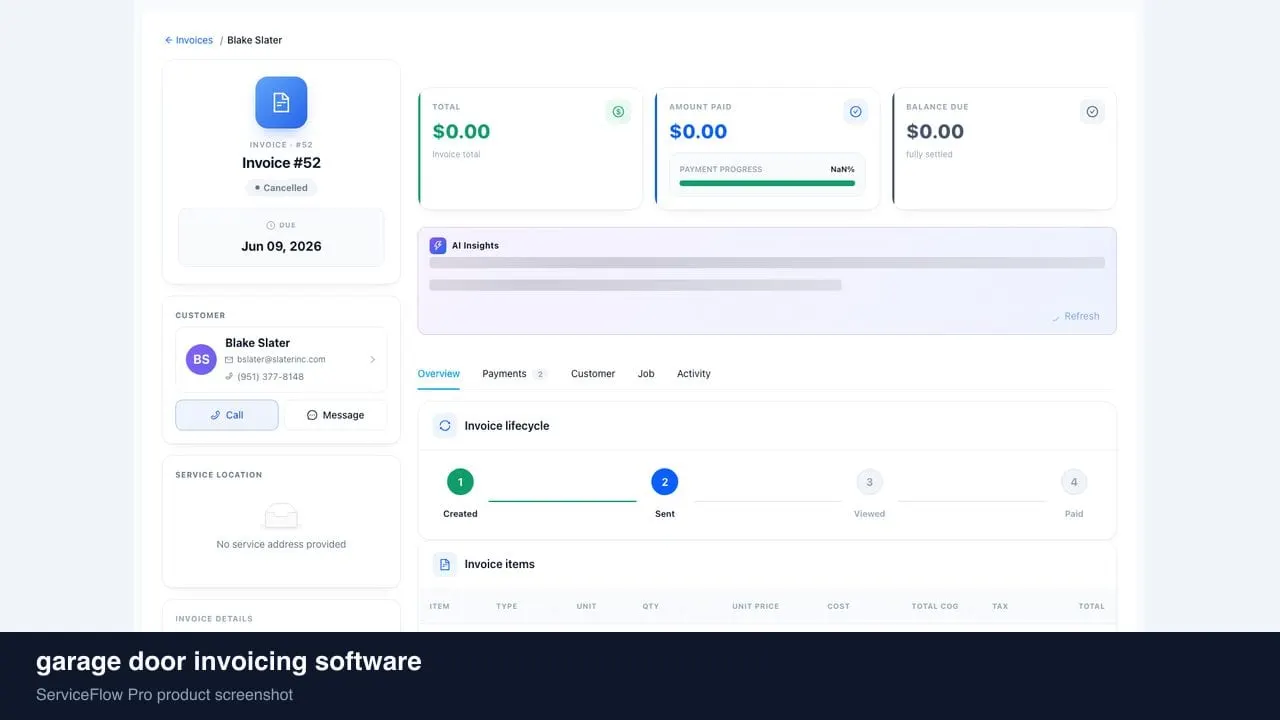
Claude records the payment a garage door company collected and shows what is still owed. The invoice stays in ServiceFlow.
What you type
“Record the deposit on Jane Doe's invoice and show the balance left.”
How it works
- Ask Claude for the balance on Jane Doe's invoice.
- Record the deposit against that invoice in ServiceFlow.
- The receipt and the remaining balance stay on the job.
Related
Questions
What do I ask Claude to do for a garage door company?
Record the deposit on Jane Doe's invoice and show the balance left.
Where does the take a payment work live?
The customer, the job, and the invoice stay in ServiceFlow for this garage door company.
How do I start?
Create a ServiceFlow Pro account, connect Claude, and try this on one real job.