Claude for an electrical contractor: show today's schedule
Claude for an electrical contractor: show today's schedule
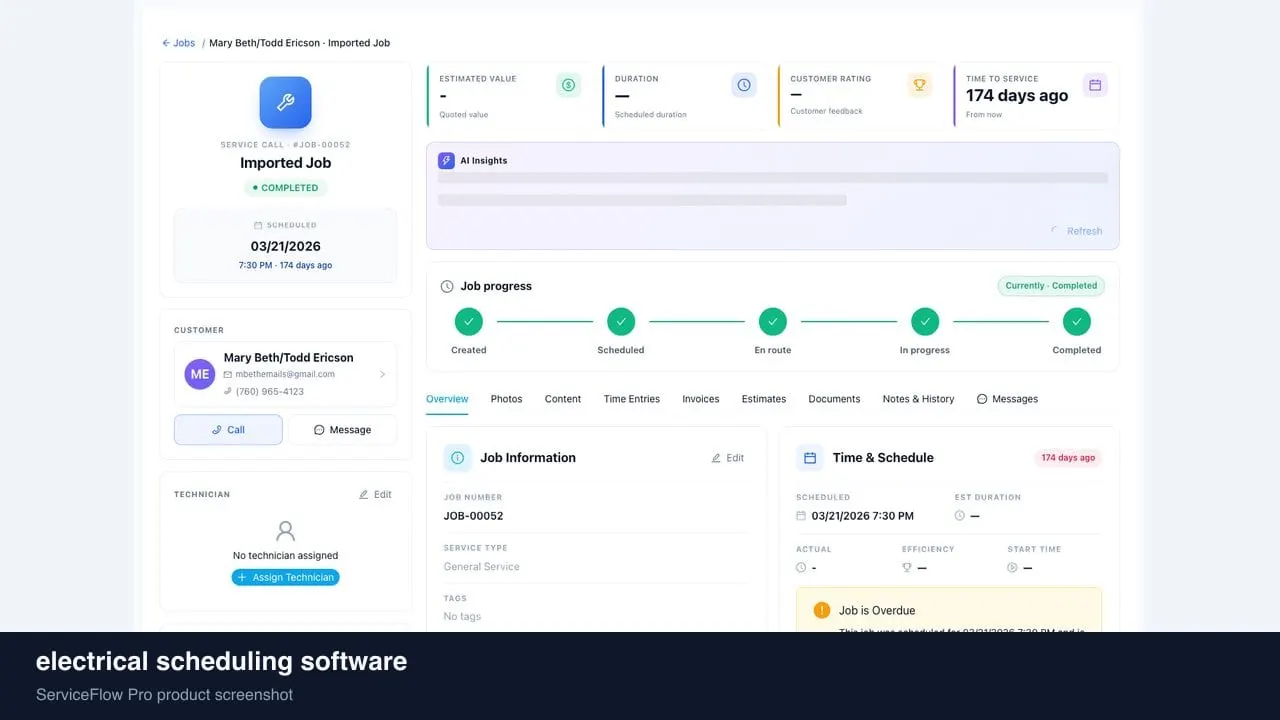
Claude reads the day for an electrical contractor from the ServiceFlow board. A personal calendar can stay on its own connector.
What you type
“Show today's electrical schedule and the next open slot.”
How it works
- Ask Claude for today's board.
- It lists the stops already booked in ServiceFlow and a time that is still open.
- The appointment stays on the ServiceFlow schedule.
Related
Questions
What do I ask Claude to do for an electrical contractor?
Show today's electrical schedule and the next open slot.
Where does the schedule the day work live?
The customer, the job, and the invoice stay in ServiceFlow for this electrical contractor.
How do I start?
Create a ServiceFlow Pro account, connect Claude, and try this on one real job.