

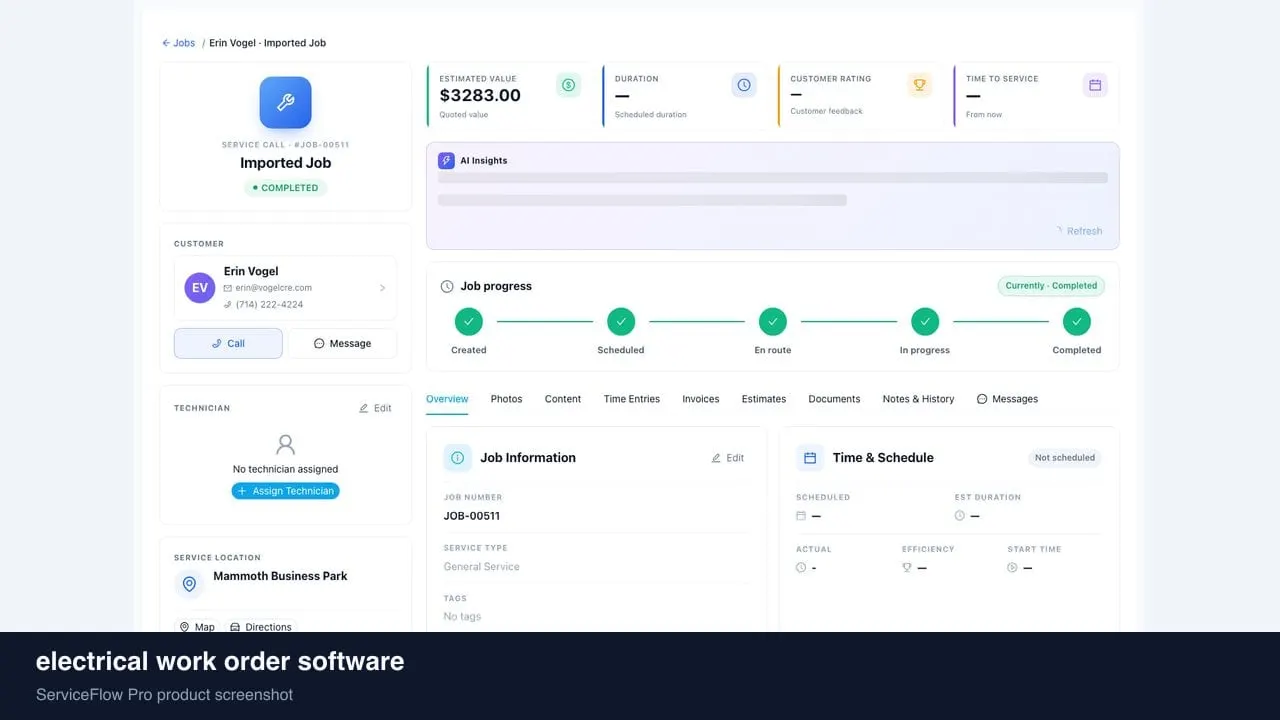
Claude for an electrical contractor: put a Slack crew note on the job
Claude for an electrical contractor: put a Slack crew note on the job
An electrical contractor can leave the crew chat in Slack's own connector. Claude writes the note onto the ServiceFlow job. ServiceFlow is not the Slack MCP server.
What you type
“Add the crew's Slack note to Jane Doe's electrical job.”
How it works
- Slack's own connector can keep the crew chat. ServiceFlow is not the Slack MCP server.
- Ask Claude to add that note on the ServiceFlow job.
- The work order keeps the note next to the status and the photos.
Related
Questions
What do I ask Claude to do for an electrical contractor?
Add the crew's Slack note to Jane Doe's electrical job.
Does ServiceFlow include the Slack connector?
Slack stays on its own connector. ServiceFlow holds the customer, the job, the invoice, and the schedule for this electrical contractor.
How do I start?
Create a ServiceFlow Pro account, connect Claude, and try this on one real job.